Mixmax is a lightweight platform inside Gmail that helps you follow up and follow through. It sends your follow-up emails for you, shows you who opened them, reminds you when someone goes quiet, and lets people book a meeting with you in one click. You keep working in your own Gmail. There’s a free plan, and you don’t need a credit card to start.
What Mixmax does
- Follow-ups send themselves. Write a short sequence once: a first email and a few follow-ups. Mixmax sends each one from your own Gmail on the schedule you set, and stops the moment the person replies.
- You see who’s interested. Tracking shows who opened your email or clicked a link, and when, for each person, even when you email a group.
- Nothing slips. Set a reminder on any email, or have it come back only if the person hasn’t replied. Mixmax keeps track of what you owe people.
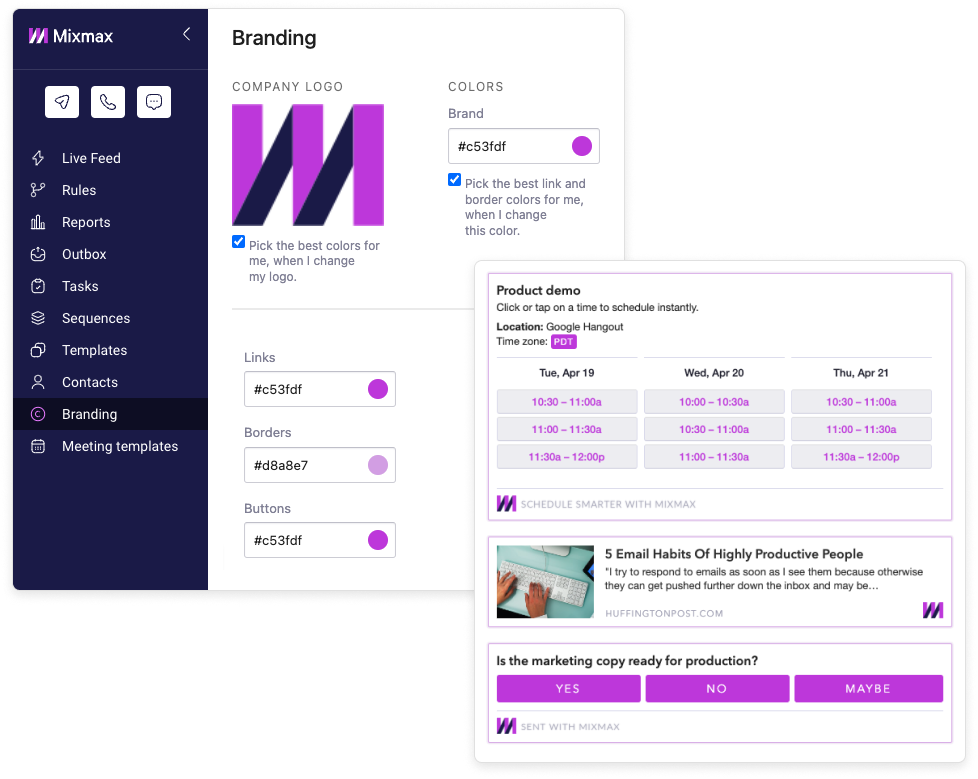
- Meetings book themselves. Put your open times right in the email. The other person clicks one, and the meeting lands on both calendars. No link to chase, no back-and-forth.
- Templates for what you write again and again. Save the emails you send often and fill in the details for each person.
- Your CRM stays up to date, if you use one. Emails and meetings can sync to Salesforce or HubSpot. You don’t need a CRM to use Mixmax.
Who uses Mixmax
People whose work depends on following up with a lot of people, one at a time: founders, agency owners, recruiters, consultants, account managers, people working on their own and small teams. Some send a few personal emails a day. Others run sequences to hundreds of people a month. Both use the same Mixmax.
Is Mixmax only for sales teams?
No. Mixmax works the same for one person as for a team. You don’t need a sales process, an admin or a CRM to use it. If you email people and need to follow up with them, it fits.
Is Mixmax free?
Yes. Mixmax Free costs $0 and doesn’t expire. Each month it includes:
- Sequences to 50 people
- 20 tracked emails
- Unlimited reminders, templates, scheduling links and send later
Paid plans start at $29 per user per month, billed annually. You can also try every feature free for 14 days, no credit card needed. When the trial ends, pick a plan or stay on Free. Current prices are on the pricing page, and the free plan post lists everything that’s included.
How to start
- Sign up with your Google account and add Mixmax to Gmail.
- Write your first email with Mixmax. Tracking, scheduling, reminders and sequences appear in the Gmail window where you write.
- Let it run. Follow-ups go out on schedule, you see who’s interested, and anything waiting on you comes back to your inbox.
Setup takes ten minutes. Start free with Google.